Long-range communication · Sources checked August 26, 2026
Big Walk Radio Channel Guide
Radios keep separated teams in contact when proximity voice no longer reaches. Both handheld sets must use the same activated channel.
Direct answer
Activate a fixed station, then tune both handheld radios to its channel
Find handheld radios, locate a fixed transmitter or receiver, interact with the station to reveal or activate its channel and tune both teams to the same number. Community guides currently document a multi-channel island route, but exact station coordinates are not official and should be verified in the host world.
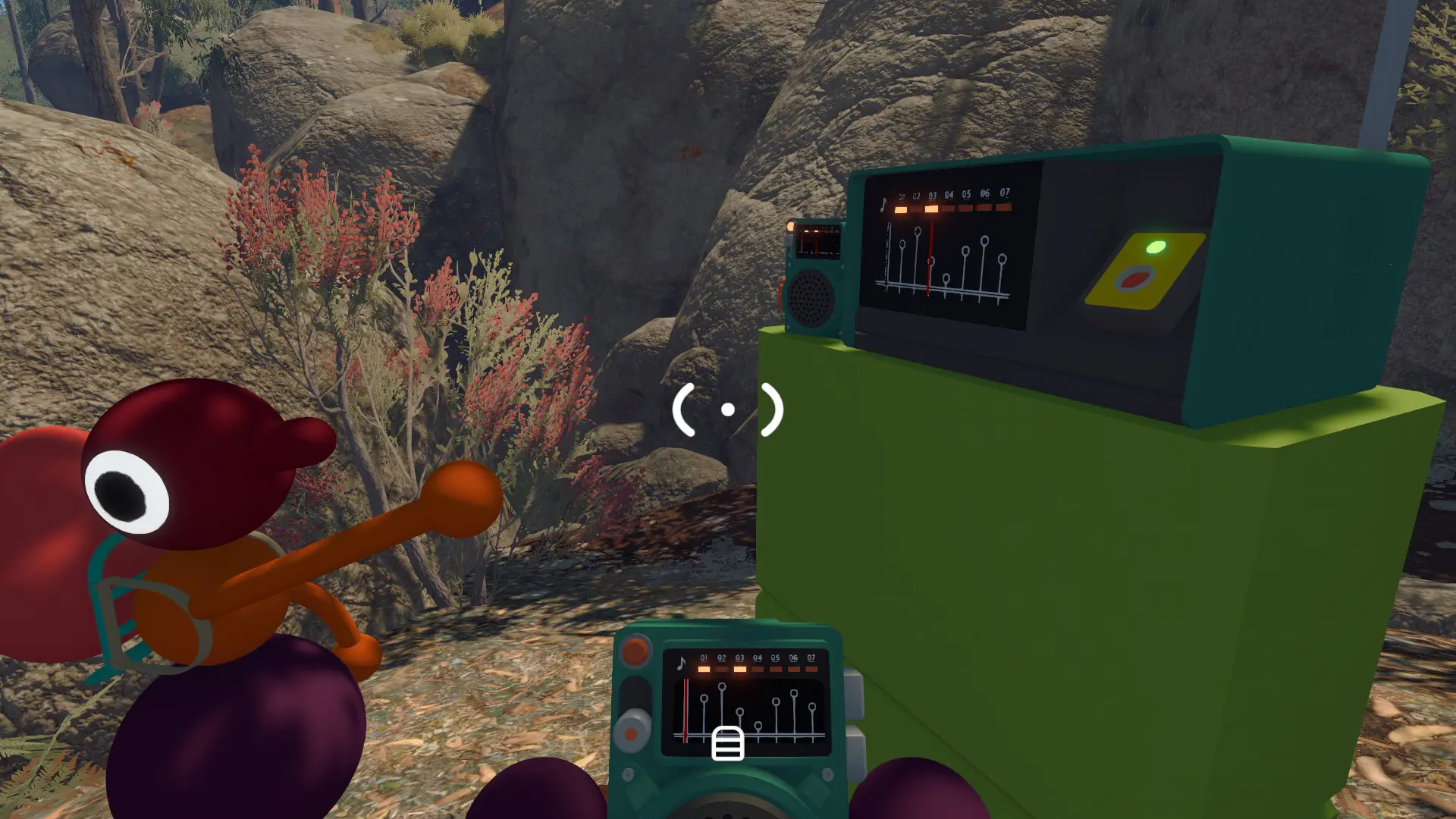
Before you start
- Give one handheld radio to each separated team.
- Choose one radio operator per team to reduce overlapping calls.
- Read the destination coordinate or landmark before the teams split.
Step-by-step
- 1
Find a fixed station
Use the community visual route or nearby landmark to locate a transmitter or receiver.
- 2
Activate the channel
Interact with the fixed equipment and note the channel number shown by the current host world.
- 3
Match handheld sets
Tune both radios to the same channel and perform a short close-range test before walking away.
- 4
Assign the channel by task
Reserve it for the map, train, tower or cleanup team rather than permanently assigning it to one person.
- 5
Call position before instruction
Say the coordinate or landmark first, then the requested action, so the receiving team can place the message.
Visual route
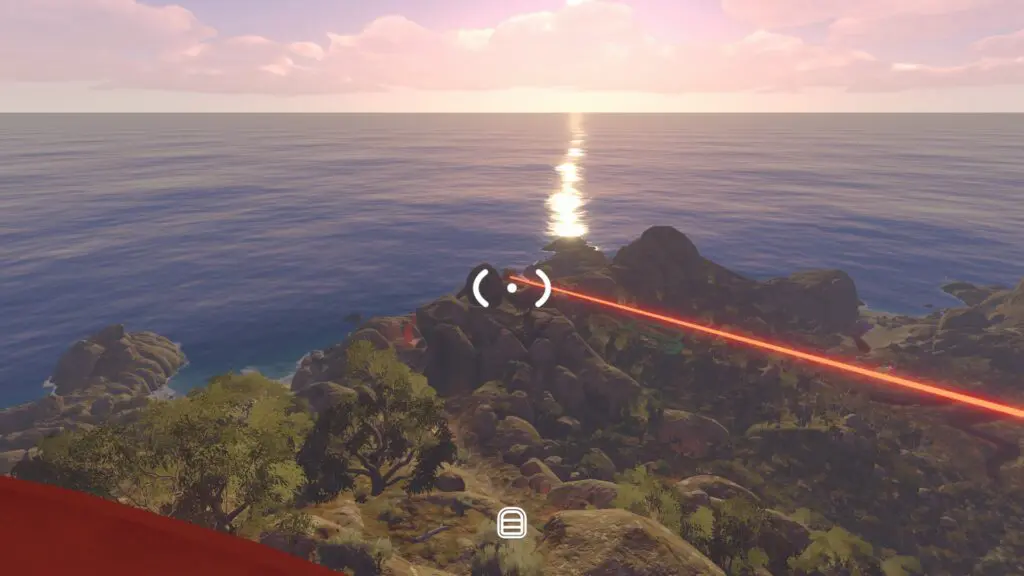
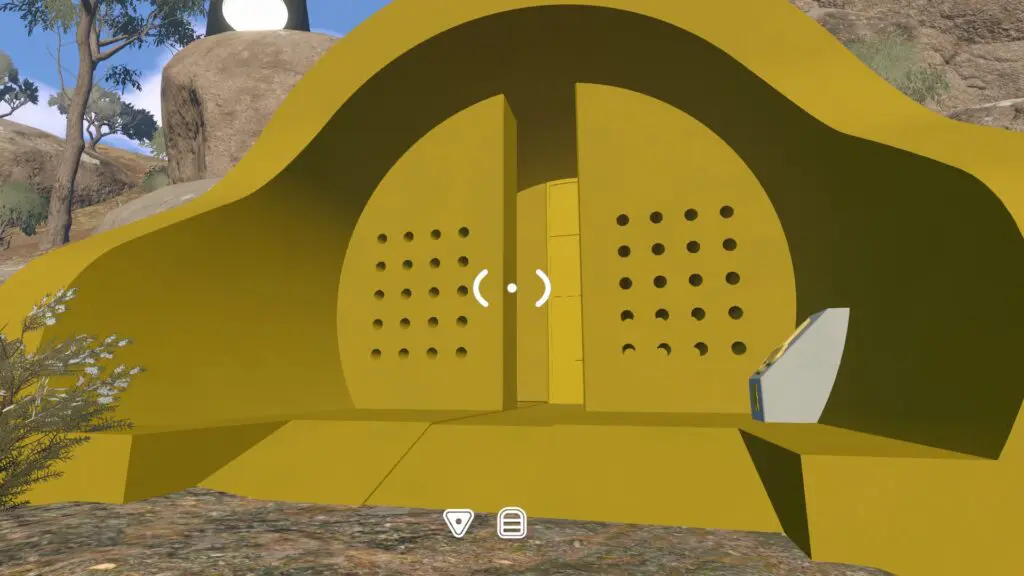
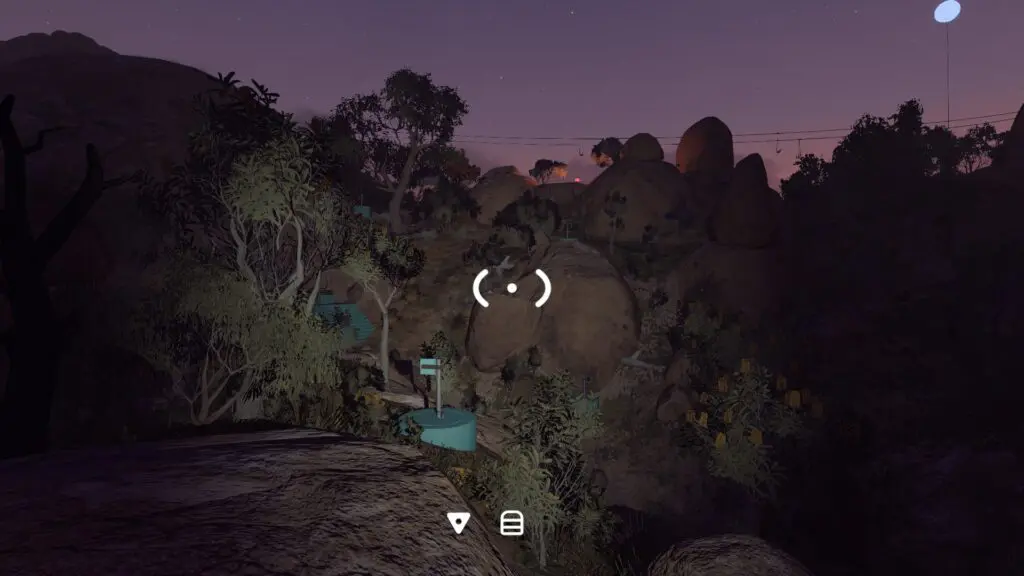
Match the landmark before you move
Authorized gameplay screenshots and route videos are paired with text so the guide still works without media.
Screenshots retain the original game text; videos retain their original audio. Use the captions and written checkpoints alongside them.
Still stuck?
- For no audio, confirm both devices show the same channel and are equipped.
- For one-way audio, re-interact with the fixed station and retune both handheld radios.
- For a lost teammate, send one coordinate, fire a flare and hold position.
- If a copied coordinate fails, use the current visual landmark because community map labels can change.
Spoiler and verification boundary
What is verified on this page
The page mentions tower and tunnel communication but does not reveal story events.
Radio operation and station routes are community-documented; the official FAQ confirms in-game communication is central but does not publish a channel-location list.